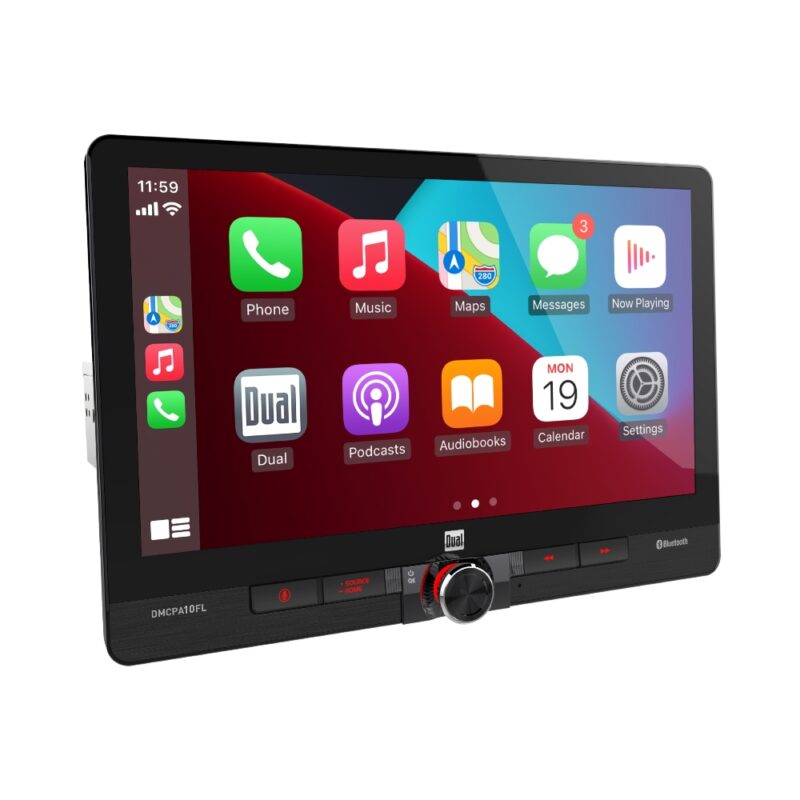
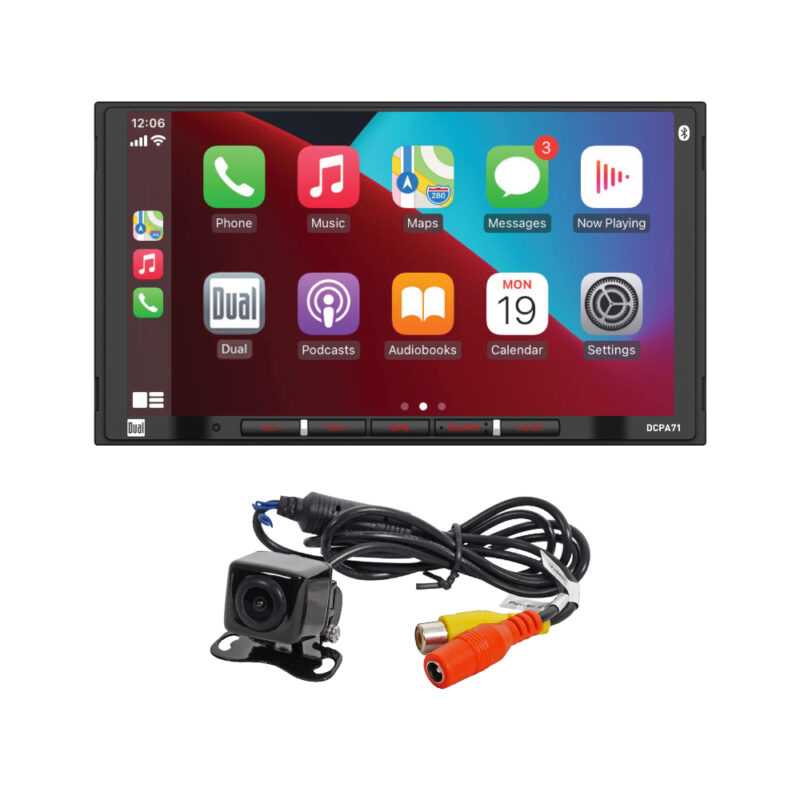
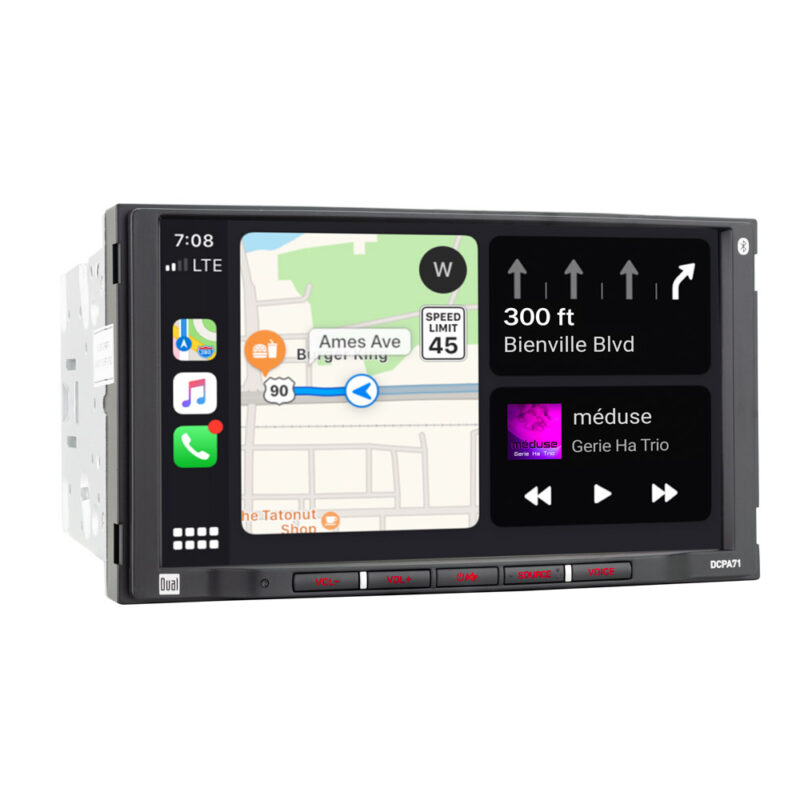
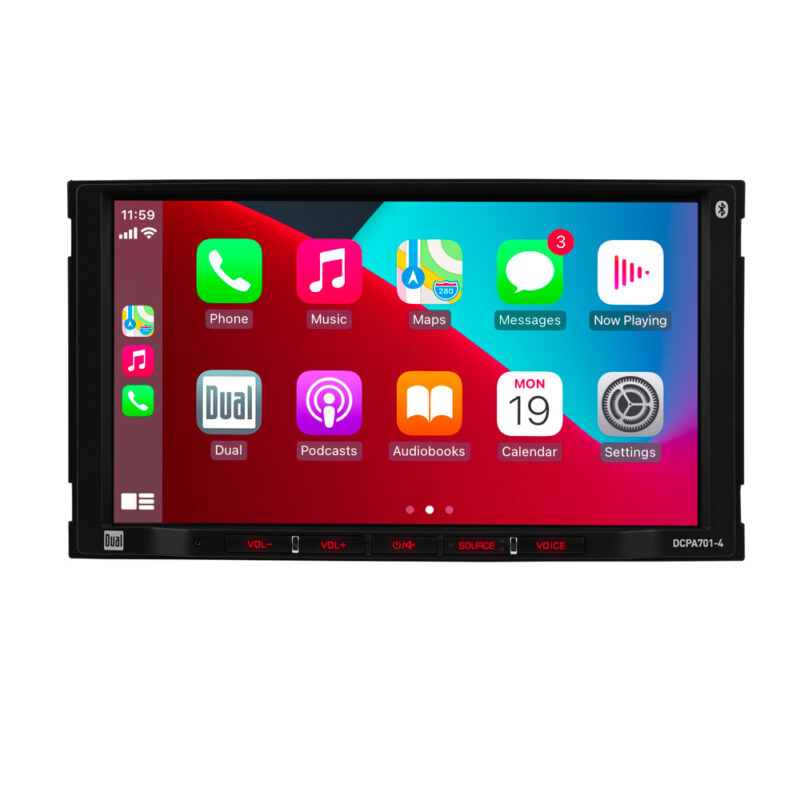
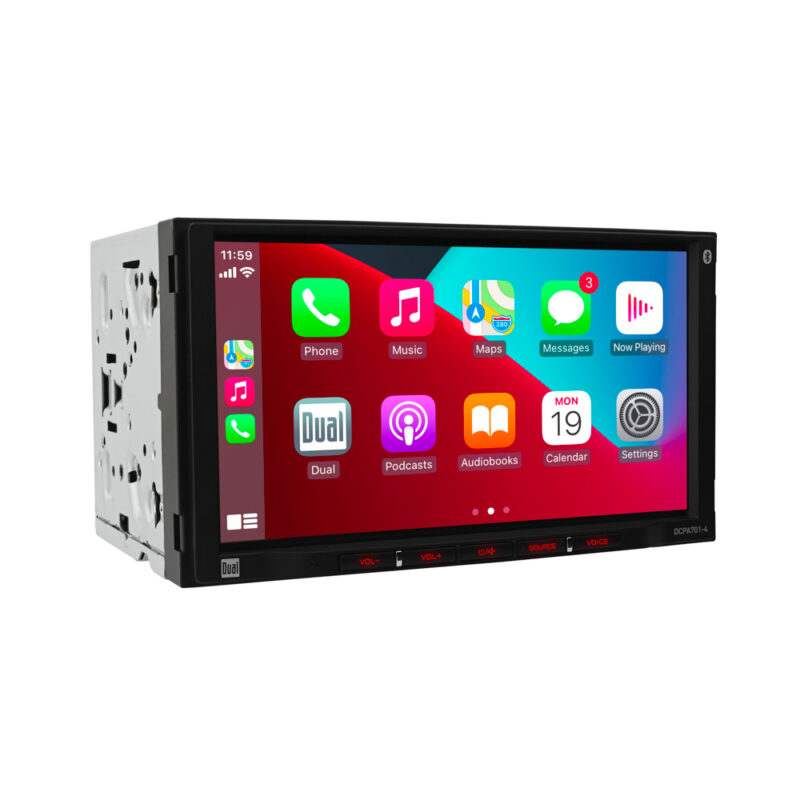
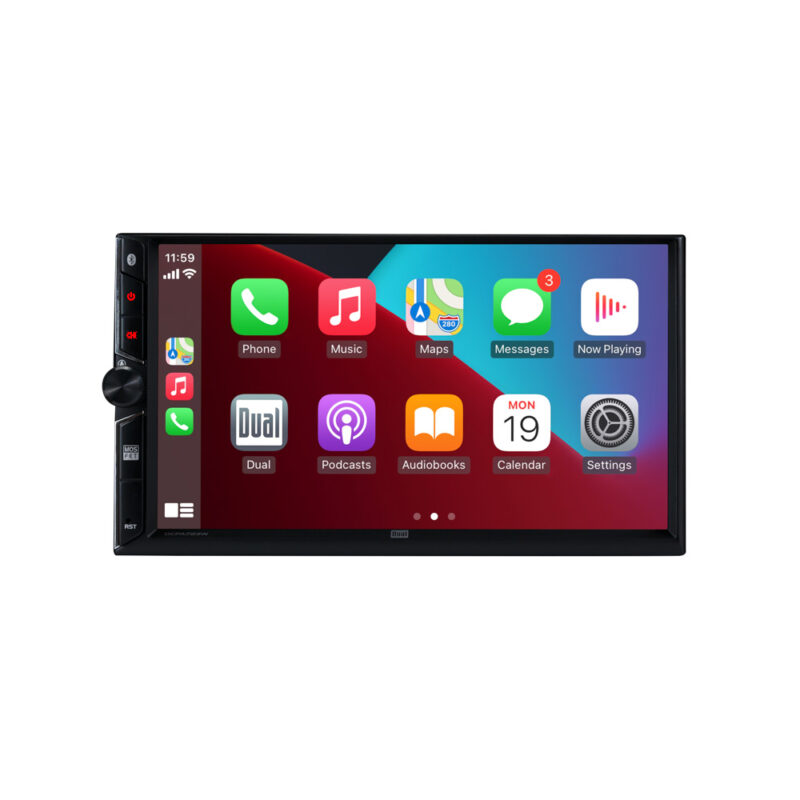
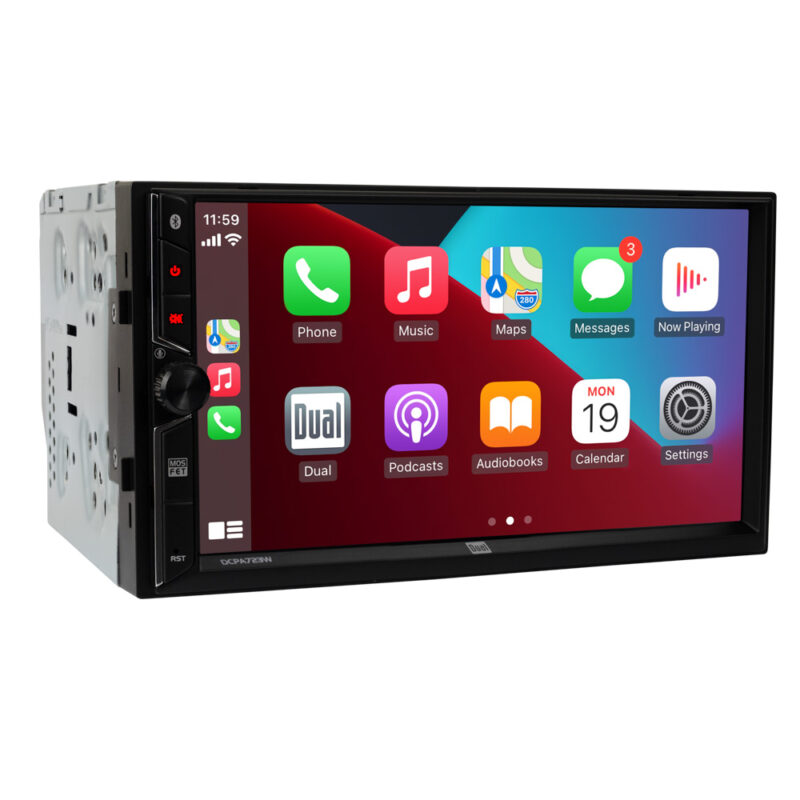
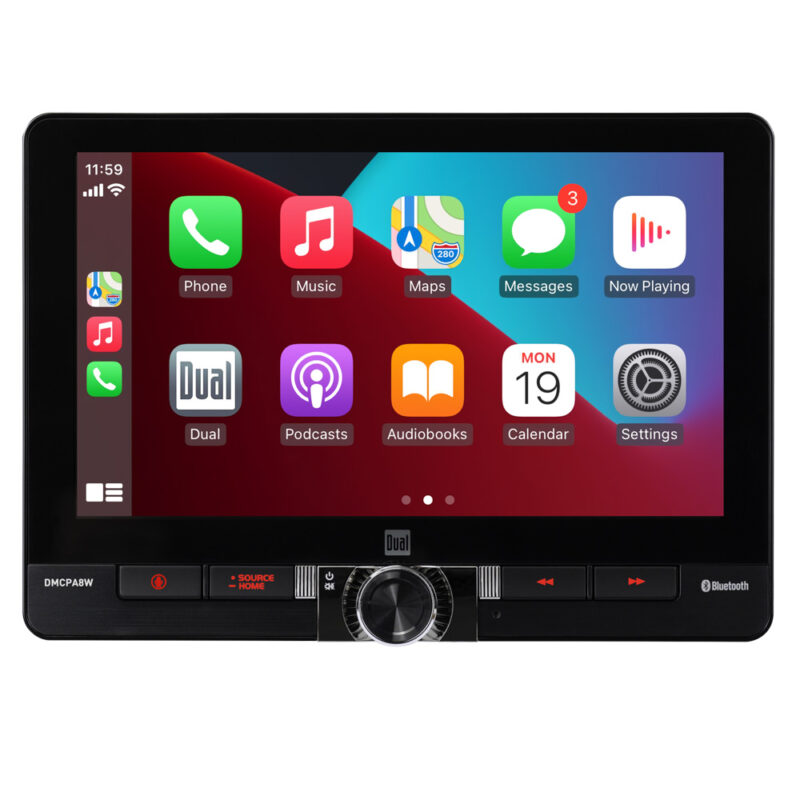
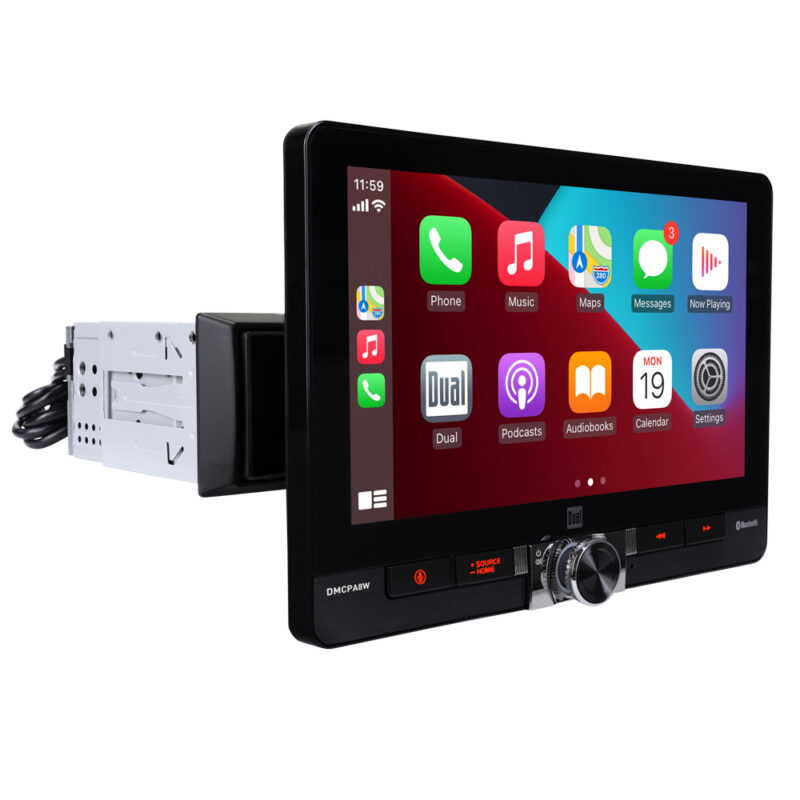
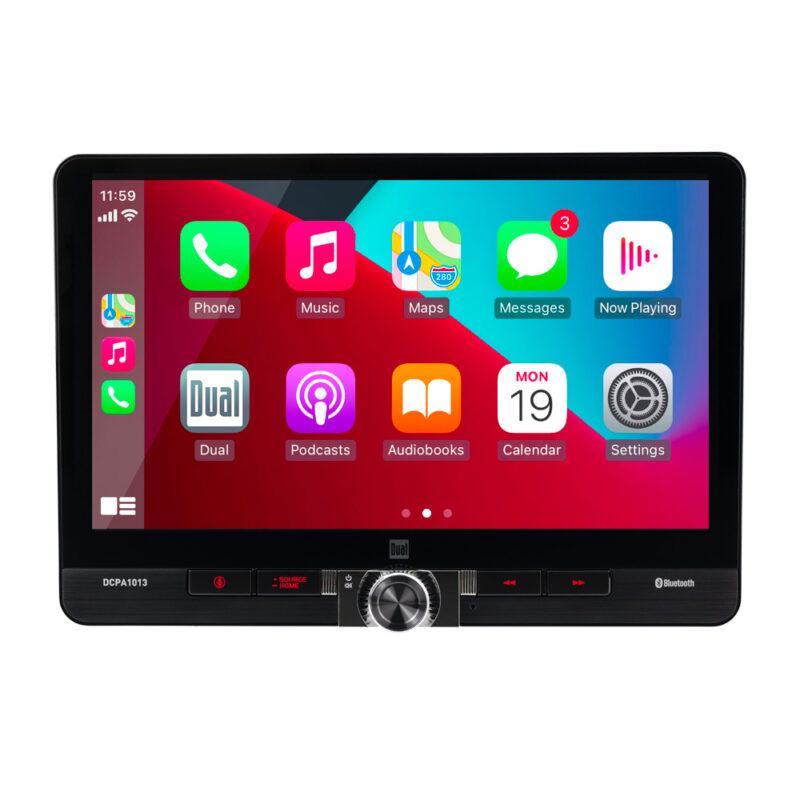
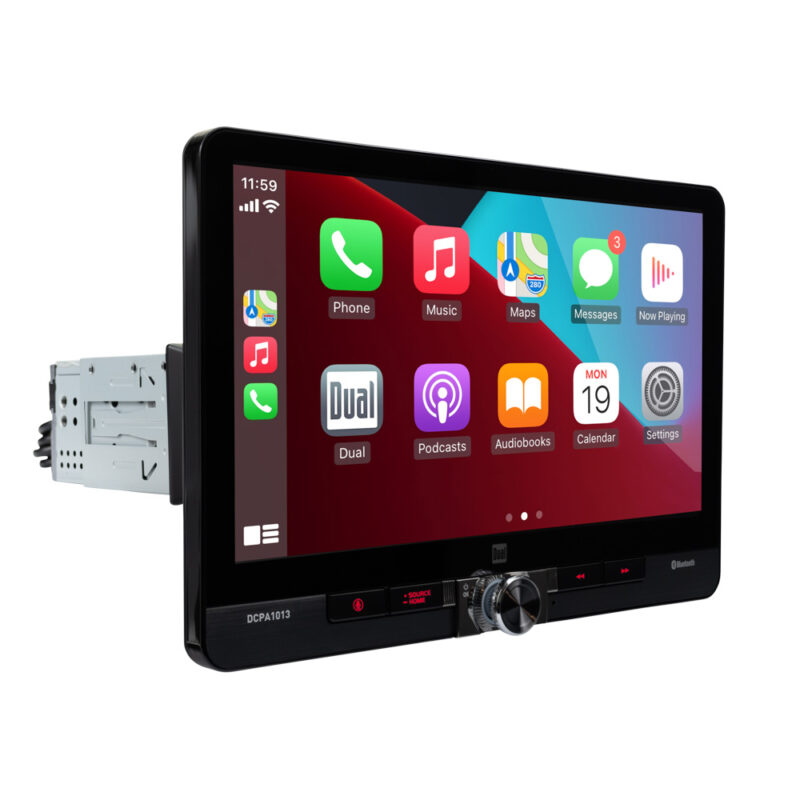
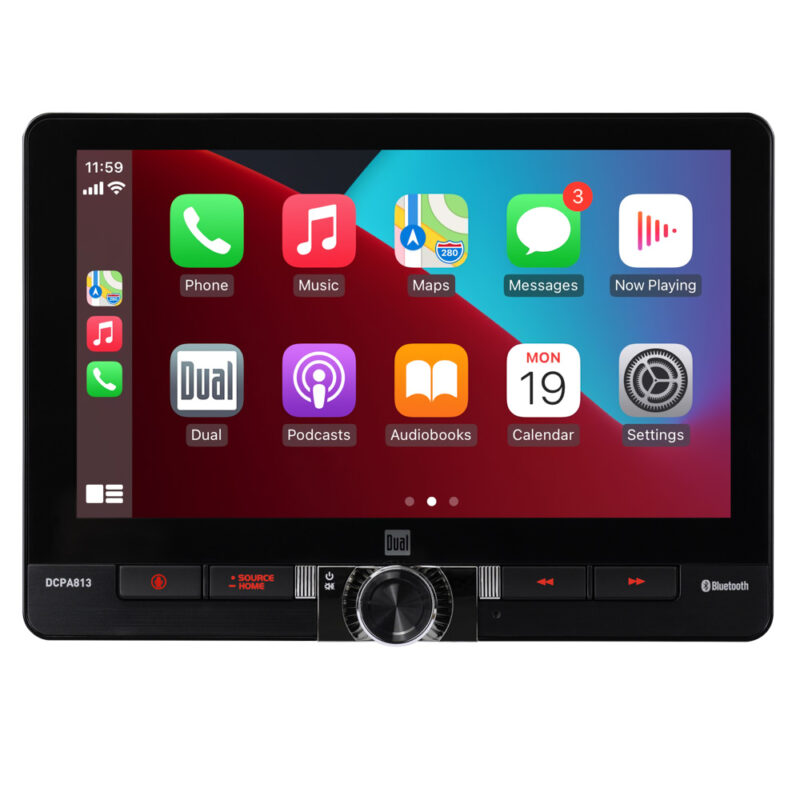
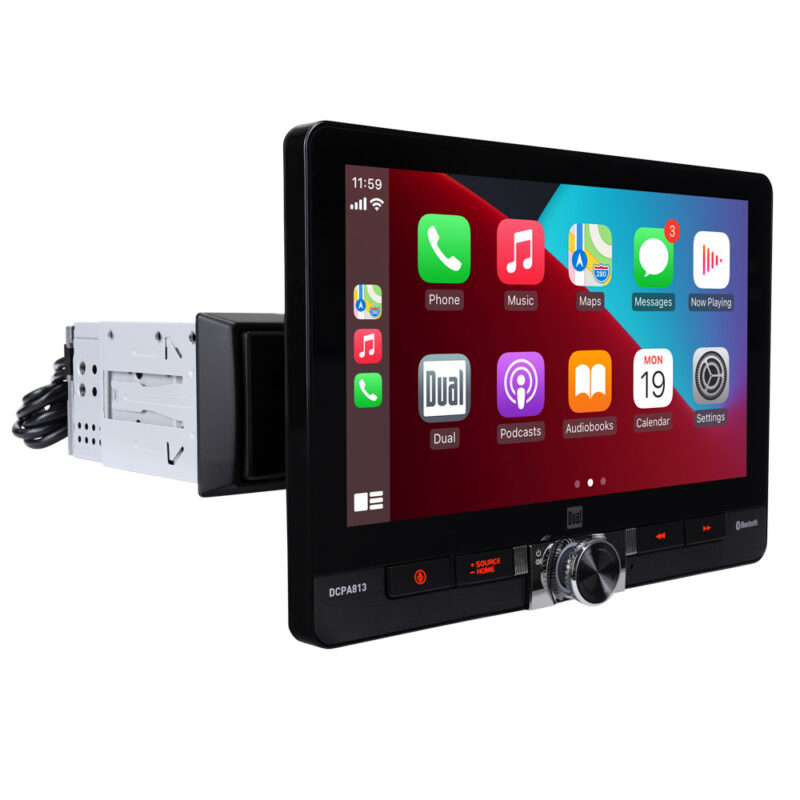
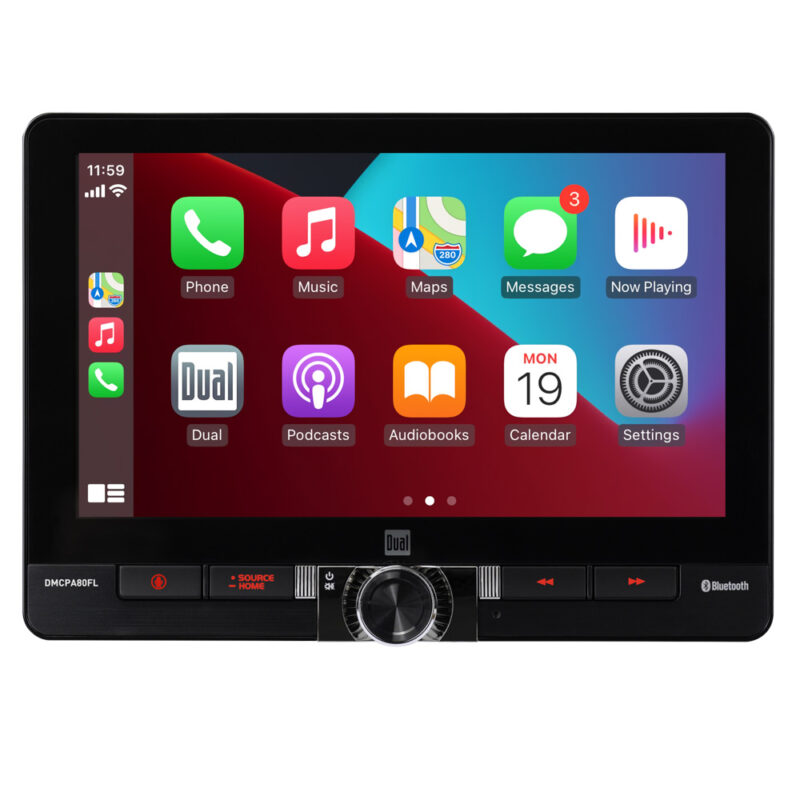
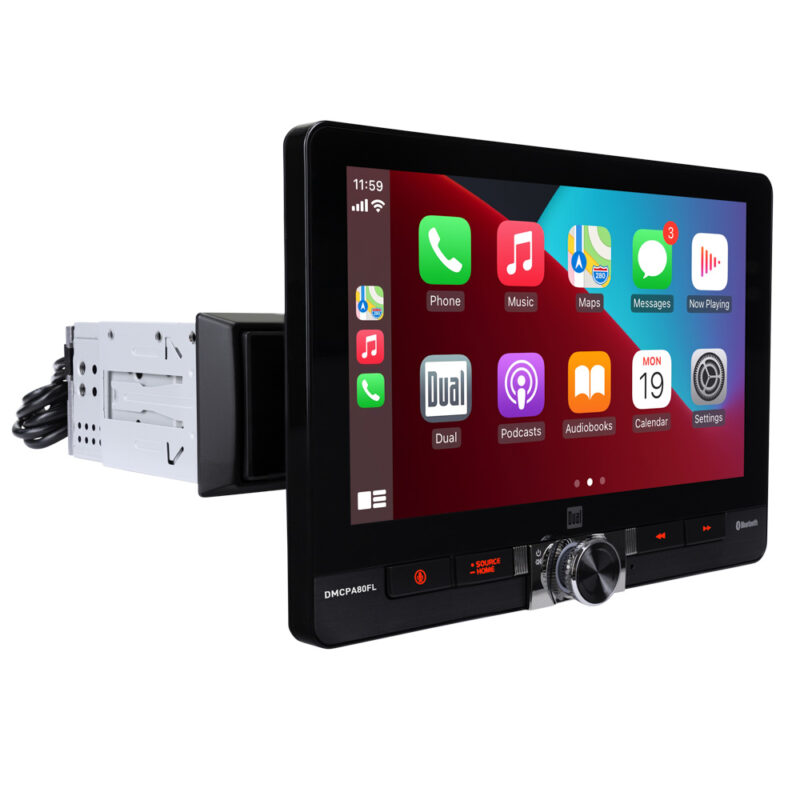
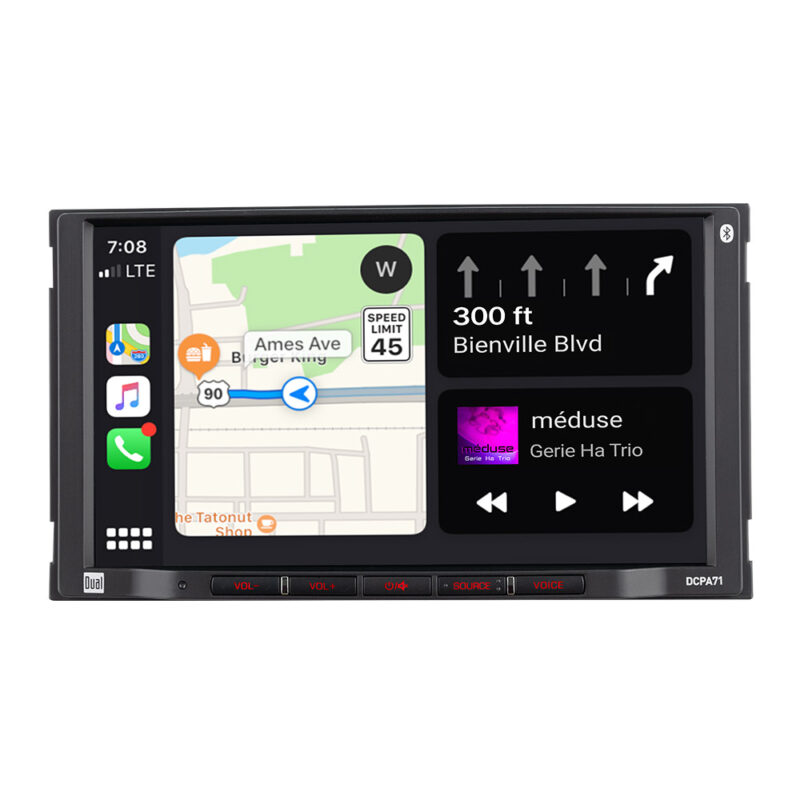
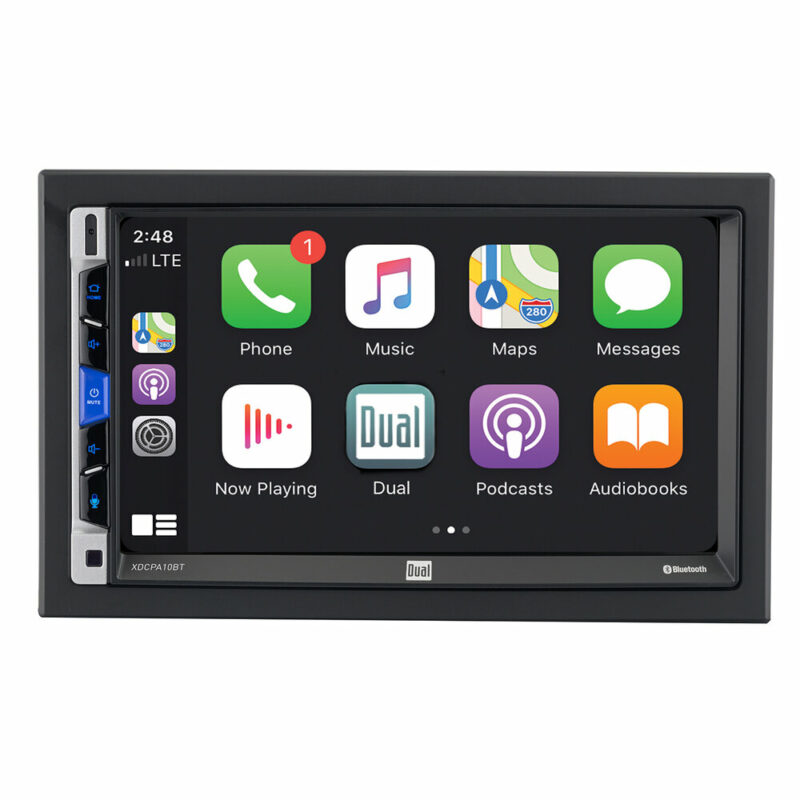
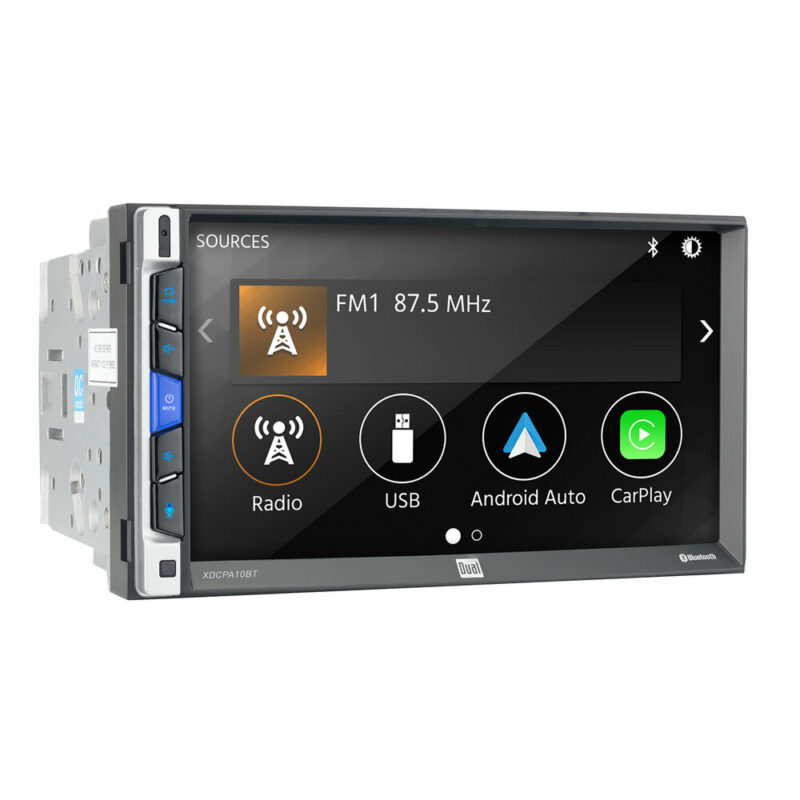
dual android auto compatible car stereo in dash

Android Auto Certified Products

Android Auto Compatible Car Stereos

All maps, apps, and data processing occur on the connected Android phone using cellular data, GPS, and the phone’s processor. Performance therefore degrades in areas with poor cell service, unlike stereos with built-in offline navigation.

Because the phone performs all processing, battery drain is unavoidable unless the device is charging. Wireless connections increase convenience but increase power consumption and connection instability.

Shop products

How Android Auto Works with Aftermarket Car Stereos

Android Auto uses the stereo strictly as a display and input interface. Software features, app availability, and navigation behavior are controlled by Google and the connected phone, not by the stereo brand.

Meaningful differences between Android Auto stereos are hardware-based and affect reliability, audio quality, expandability, and long-term usability.

Navigation Apps and Real-Time Traffic

All Android Auto stereos support Google Maps and Waze. App availability does not vary by stereo model.

The primary decision variable is connection type. Wired Android Auto provides the most stable connection and keeps the phone charged, making it preferable for long drives or daily commuting. Wireless Android Auto prioritizes convenience but is more prone to connection drops and increased battery drain.

Hands-Free Calling and Google Assistant Voice Control

Hands-free calling and messaging are standard across Android Auto stereos. Real-world performance depends on microphone quality, not software.

Lower-cost units frequently include microphones with weak noise rejection, reducing Google Assistant accuracy and call clarity. Complaints about voice recognition in reviews typically indicate microphone limitations that cannot be corrected after installation.

Music, Streaming Apps, and Interface Responsiveness

Music playback and streaming app access are governed by Android Auto, not the stereo manufacturer. Responsiveness depends on the head unit’s internal processor and memory.

Underpowered units may lag when switching apps, loading playlists, or resuming playback. This behavior is permanent and becomes more noticeable for users who frequently switch apps or rely on large music libraries.

Types of Android Auto Car Stereos

Android Auto stereos are available in multiple physical formats. Selecting the wrong format creates permanent fitment or usability limitations.

Digital Media Receivers

Most Android Auto stereos are digital media receivers and do not include CD or DVD drives.

Choosing a digital media receiver permanently removes physical disc playback. Users with disc collections must digitize media or select rarer models that retain optical drives.

Screen Size, Mounting Style, and Dashboard Fit

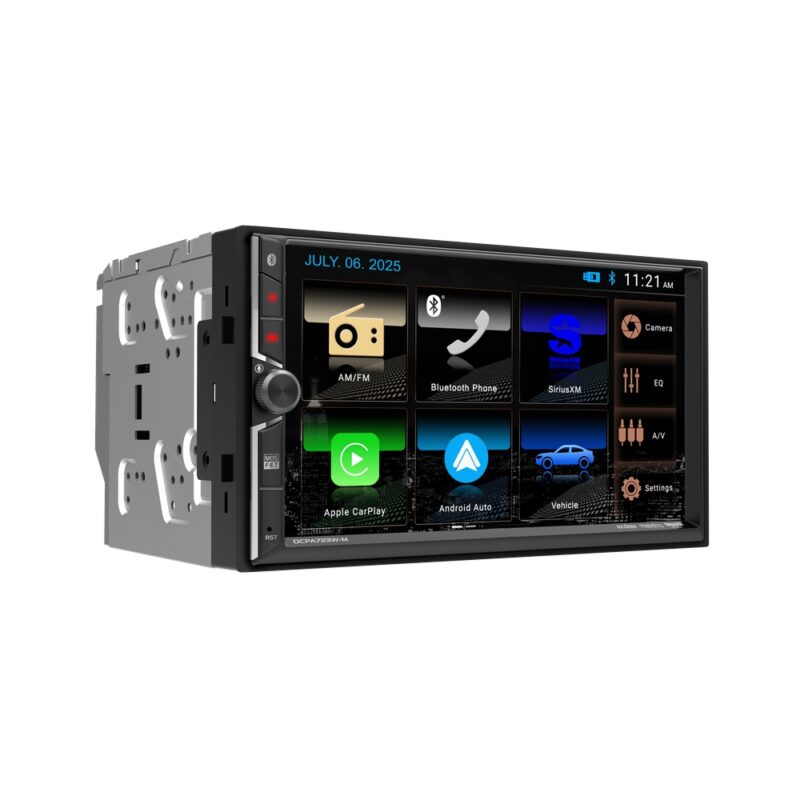
  • Fixed Double-DIN stereos require a 4-inch dash opening and offer the cleanest factory-style integration. Vehicles without this opening cannot use them.
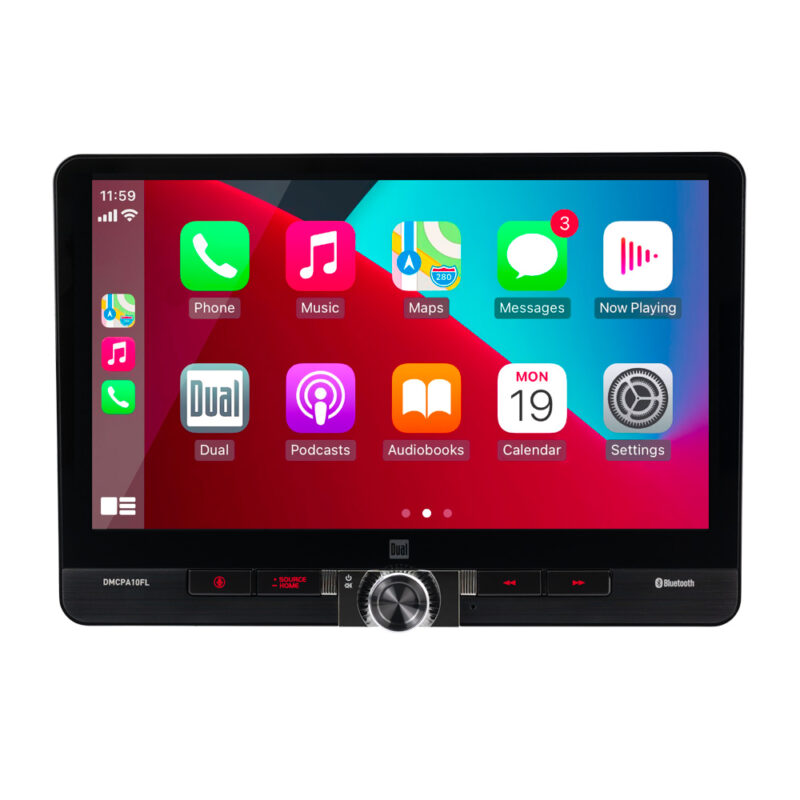
  • Floating screens fit single-DIN openings but must be checked to ensure they do not block vents, climate controls, or shifters.
  • Flip-out screens rely on mechanical movement and introduce long-term failure risk. They should only be considered when no fixed or floating option fits the vehicle.

Android Auto Stereo Features That Affect Buying Decisions

Not all features influence long-term satisfaction. The following factors create irreversible constraints.

Wired vs Wireless Android Auto

Wireless Android Auto trades reliability and battery efficiency for convenience and is more susceptible to connection instability.

Wired Android Auto provides consistent performance, stable audio transmission, and continuous charging. Users prioritizing reliability or audio quality should default to wired operation.

Backup Camera and Multi-Camera Support

Most entry-level Android Auto stereos support only a single backup camera.

Multi-camera setups require head units with multiple video inputs. This capability cannot be added later without replacing the stereo.

Apple CarPlay Compatibility

Some Android Auto stereos also support Apple CarPlay.

Android-only units reduce cost but permanently limit compatibility. Dual-platform units support both Android Auto and Apple CarPlay, preserving usability for shared vehicles and improving resale value.

Audio Quality and Advanced Sound Features

Advanced audio features provide no benefit without upgraded speakers or external amplification.

With factory speakers and standard streaming services, these features should not drive purchasing decisions.

Vehicle Compatibility and System Integration

Aftermarket stereos do not natively control vehicle systems such as climate or driver-assist features.

Some vehicles support integration modules that retain steering wheel controls or display limited vehicle data. This support restricts head unit options and increases total system cost.

Installation Requirements and Fitment Costs

The stereo price does not include required installation accessories. Dash kits, wiring harnesses, antenna adapters, and steering wheel control interfaces commonly add $50–$200.

Fitment must be verified before purchase to avoid unexpected costs or incompatibility.

Features to De-Prioritize When Choosing an Android Auto Stereo

  • Screen mirroring features are unreliable and poorly standardized and should not influence purchasing decisions.
  • Pre-amp outputs are irreversible hardware constraints. A stereo without them cannot support external amplifiers, permanently limiting future audio upgrades.

Final Buying Guidance

Choose an Android Auto stereo based on dashboard fit, connection type, camera expansion needs, and long-term compatibility. Feature lists alone do not predict satisfaction.

The products below are all Android Auto compatible and differ primarily in hardware constraints that affect stability, expandability, and future flexibility.