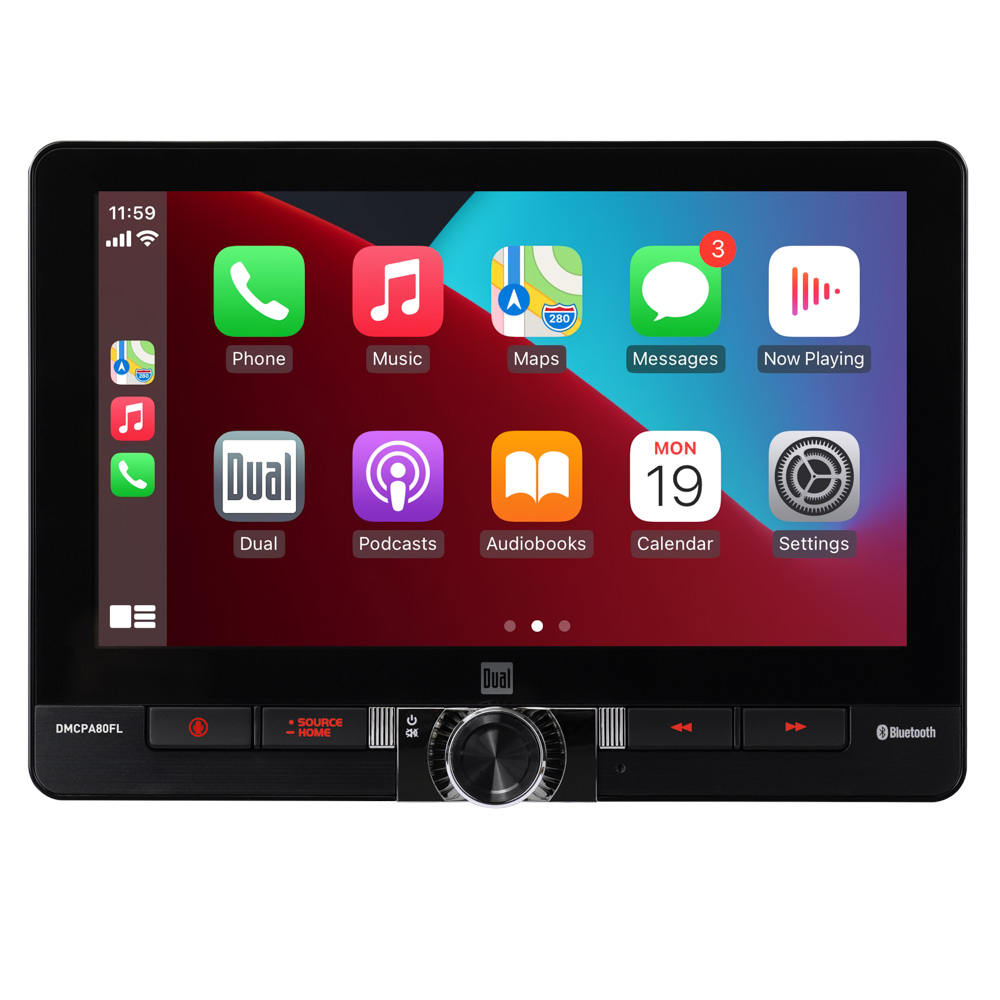
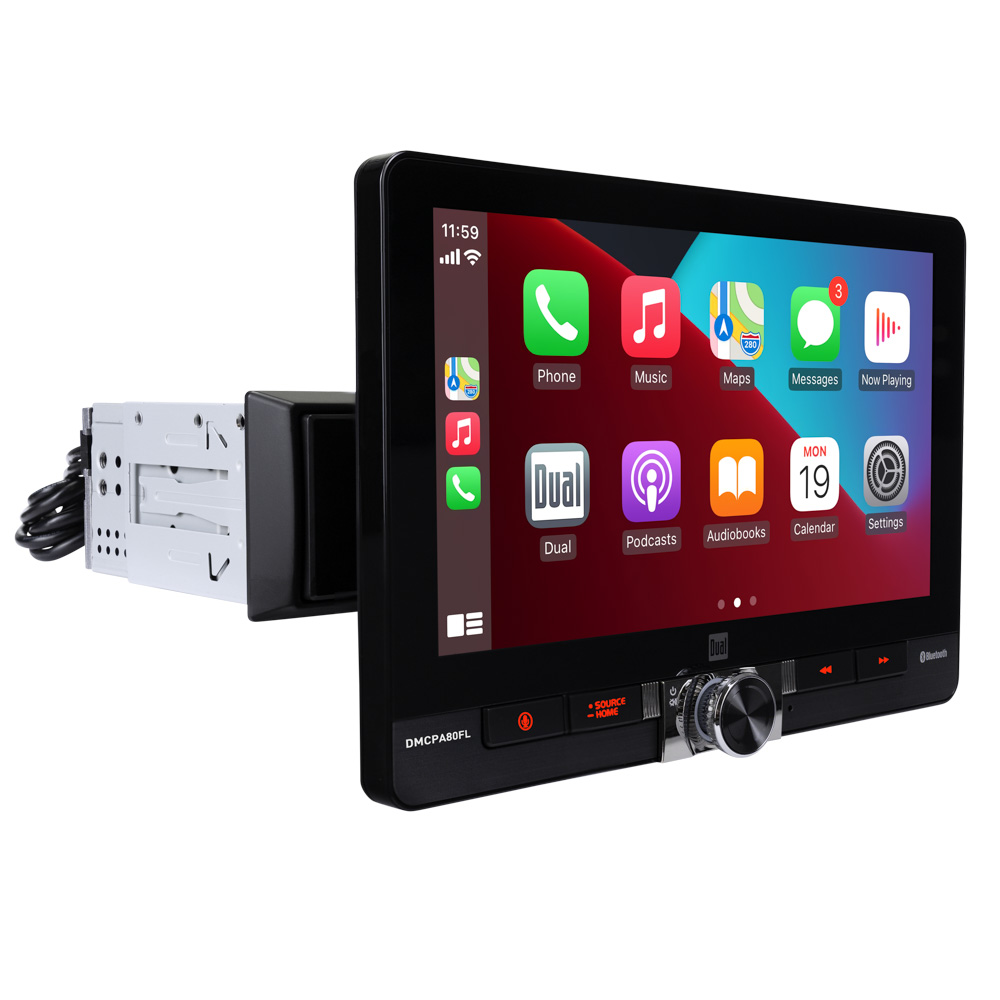
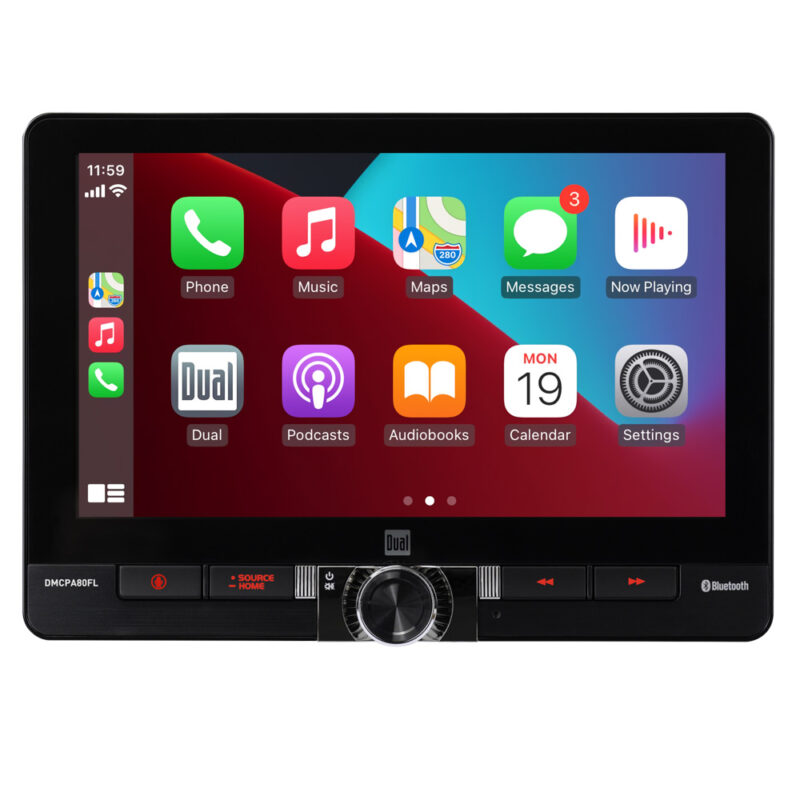
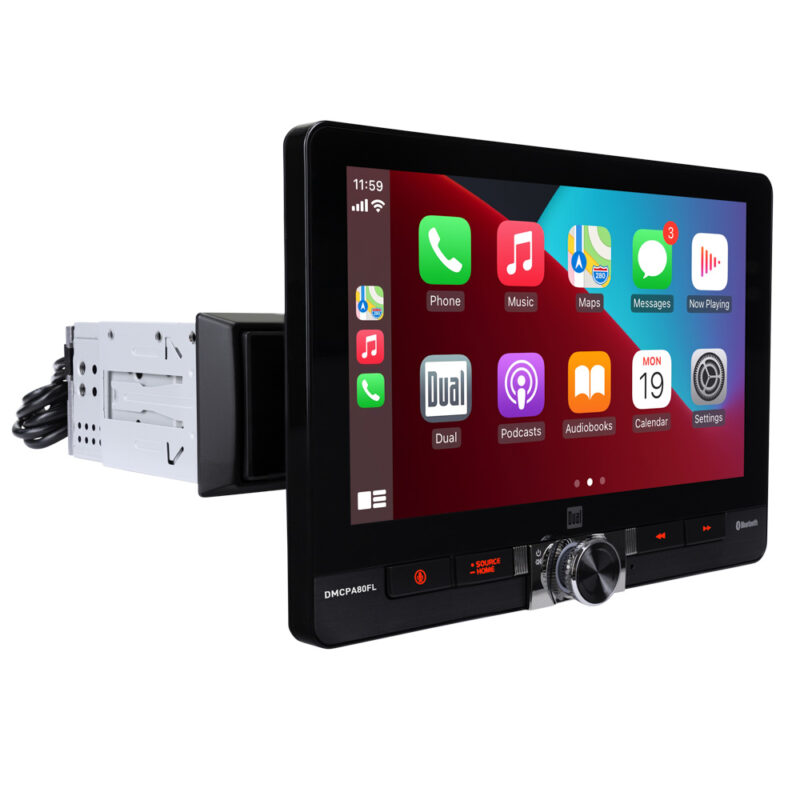
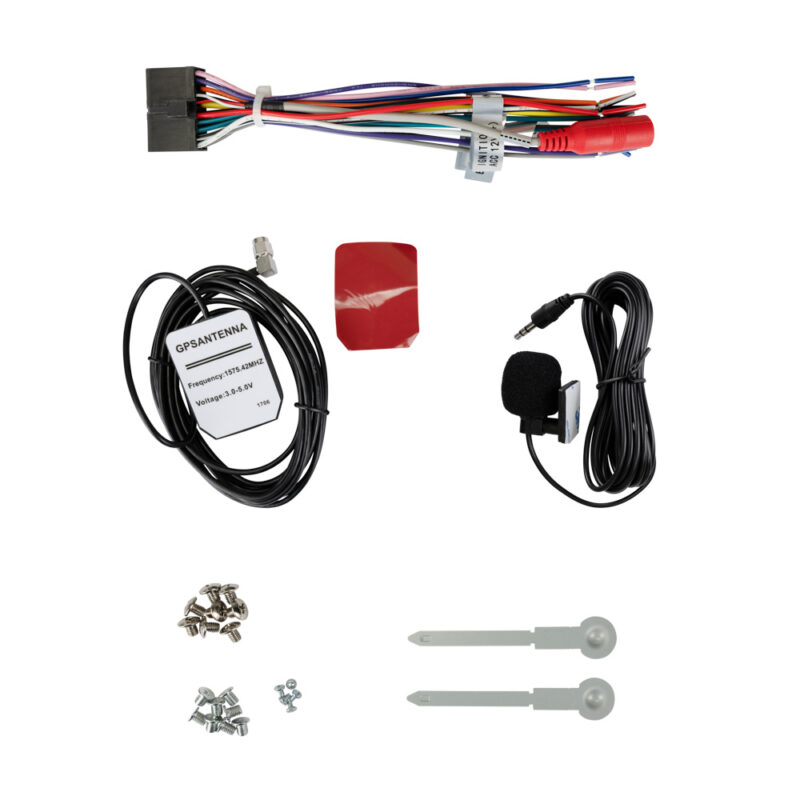
8” Car Receiver with Wireless Android Auto & Apple Carplay – DMCPA80FL
- Support for Wireless Apple CarPlay and Android Auto
- USB with 2.1A Charge
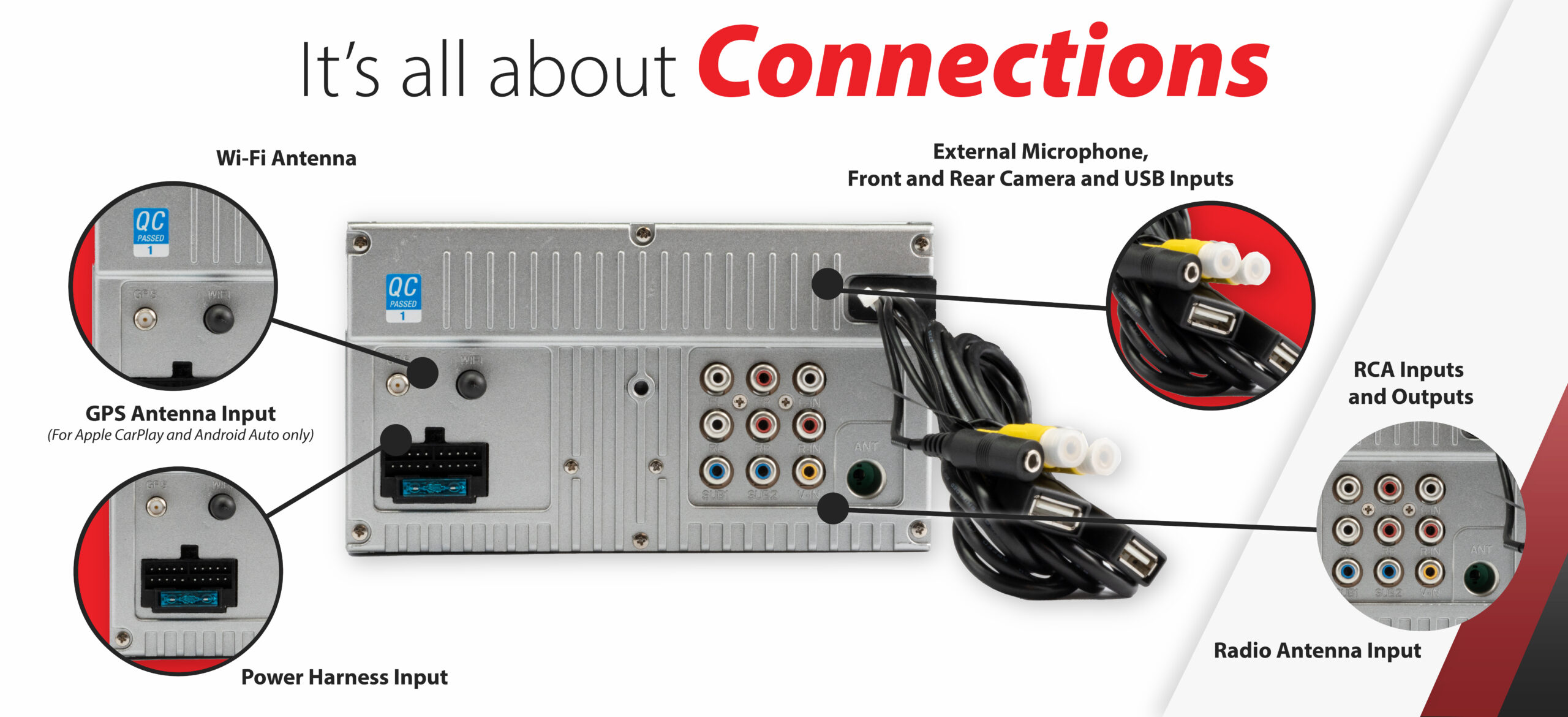
- Front and Rear Camera Inputs
- Bluetooth Connectivity
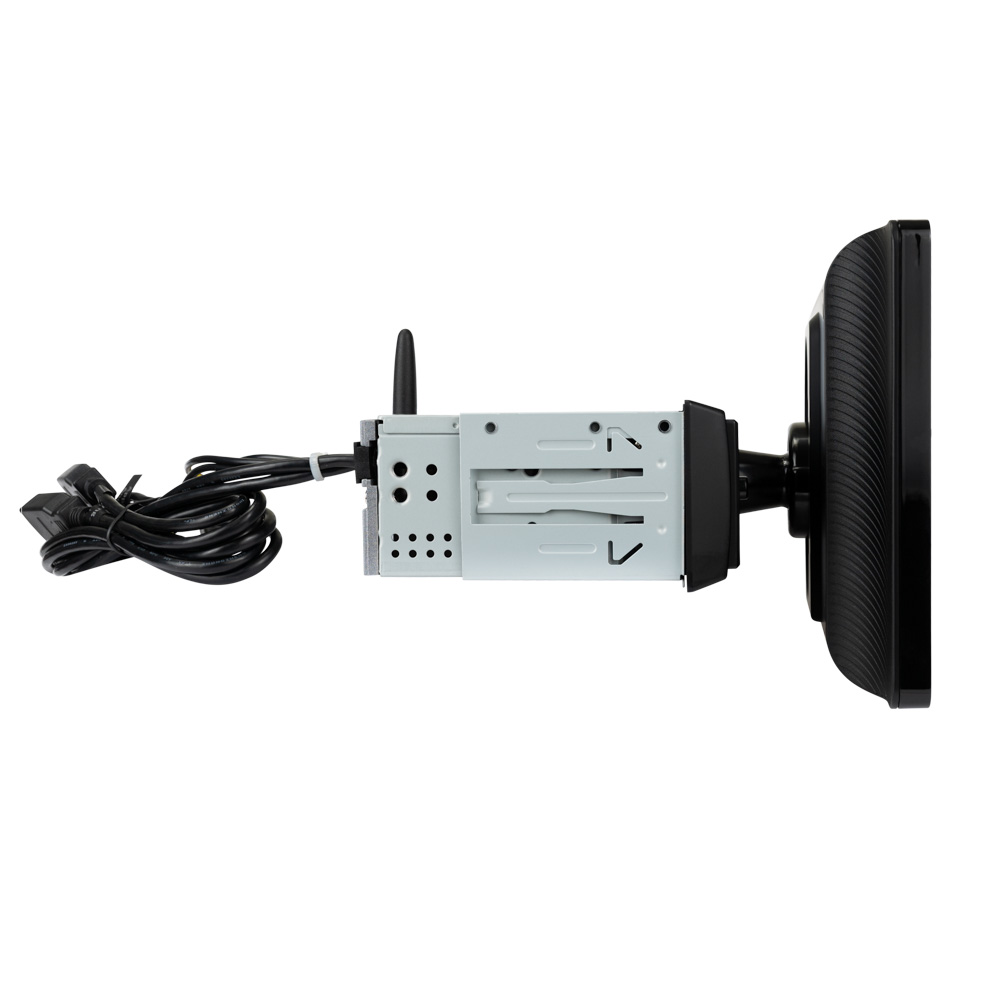
- Fits both 1 DIN and 2 DIN dash openings
Authorized Retailer:
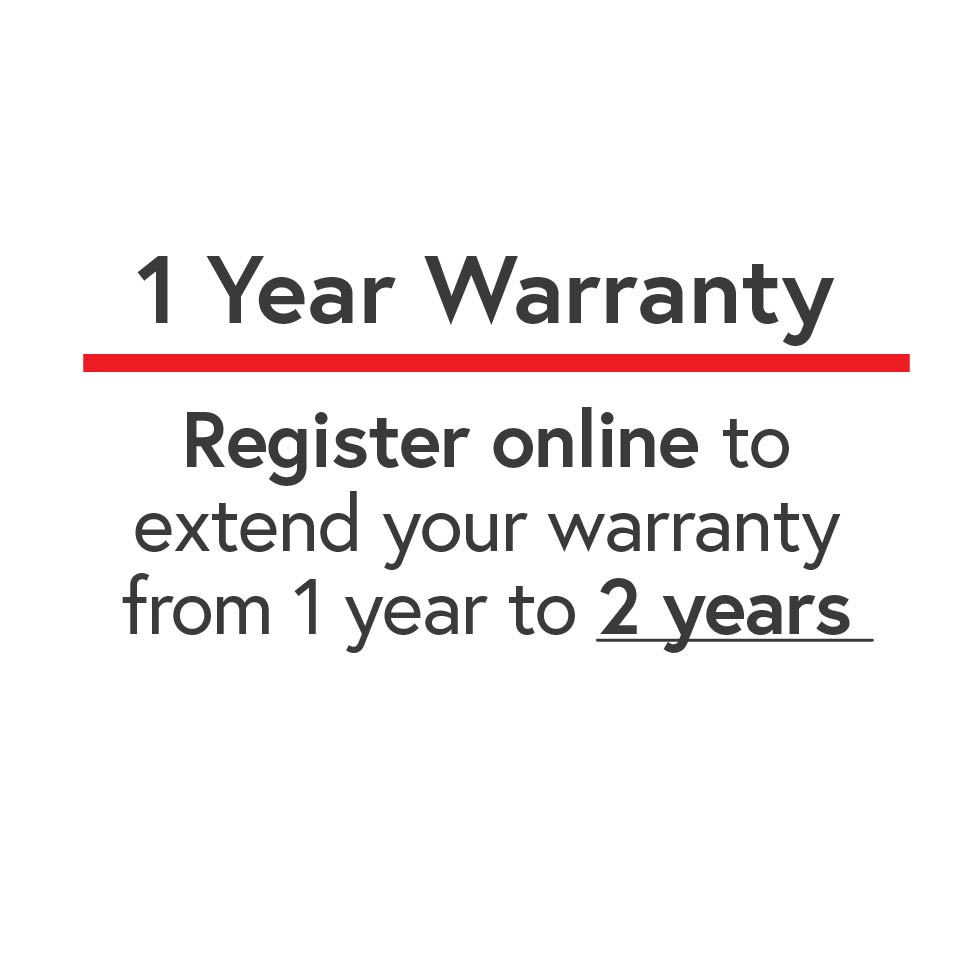
*Upgrade to a 2-year Warranty by Registering Your Item within 60 Days of Purchase.

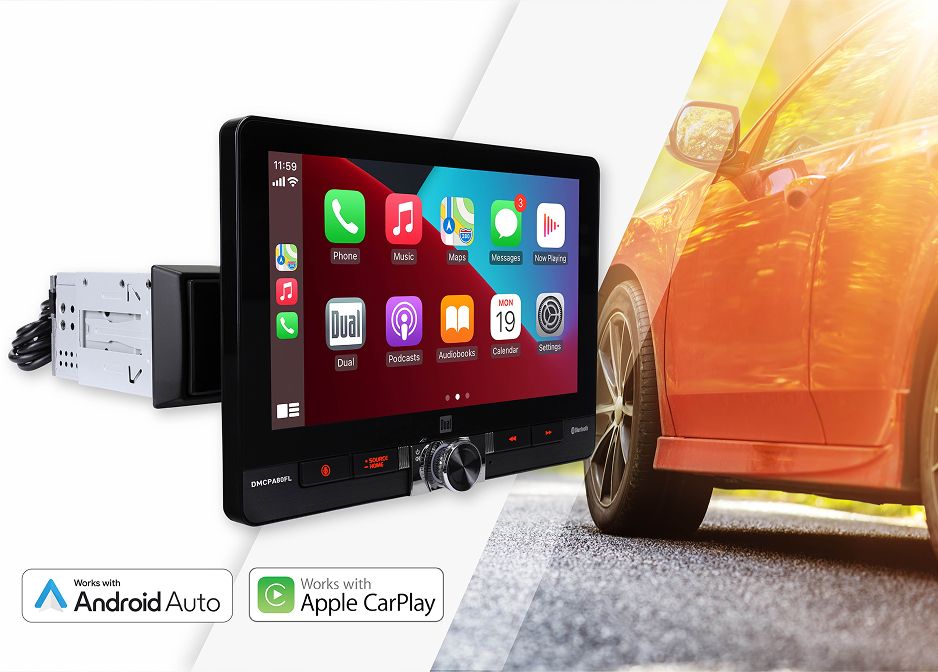
Wireless Apple CarPlay
and Android Auto
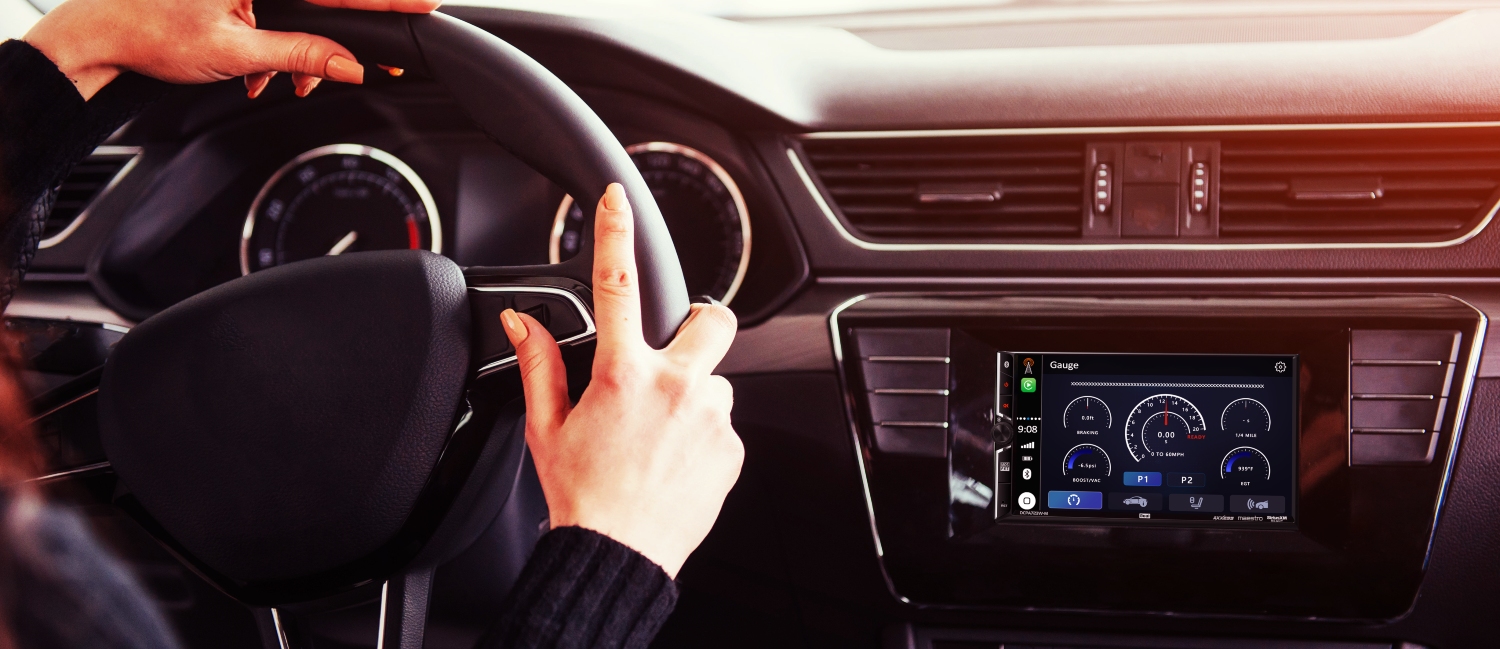
Play music, make calls, and check the traffic.
Audio plays via your car’s speakers.
Use Your Phone’s Assistant a dedicated voice activation button summons the virtual assistant on your smartphone.
Additional Features
Amplifier-Ready
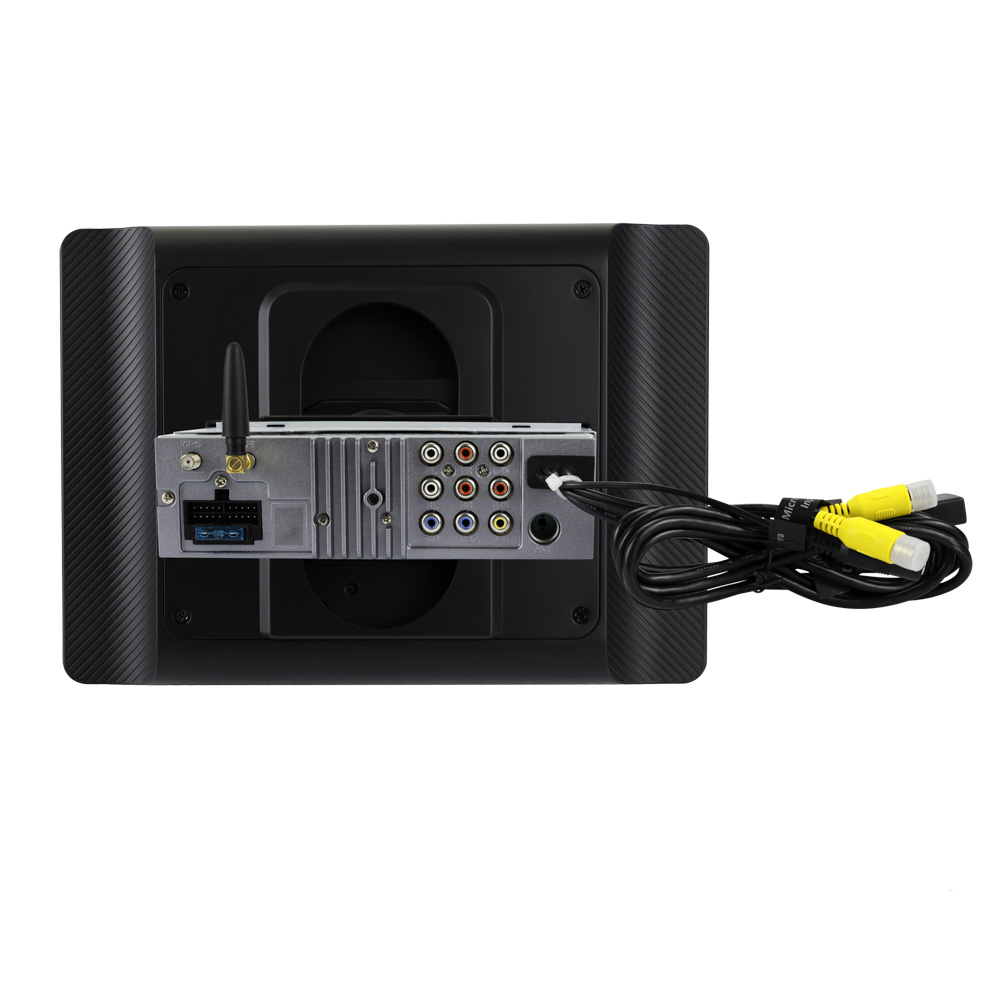
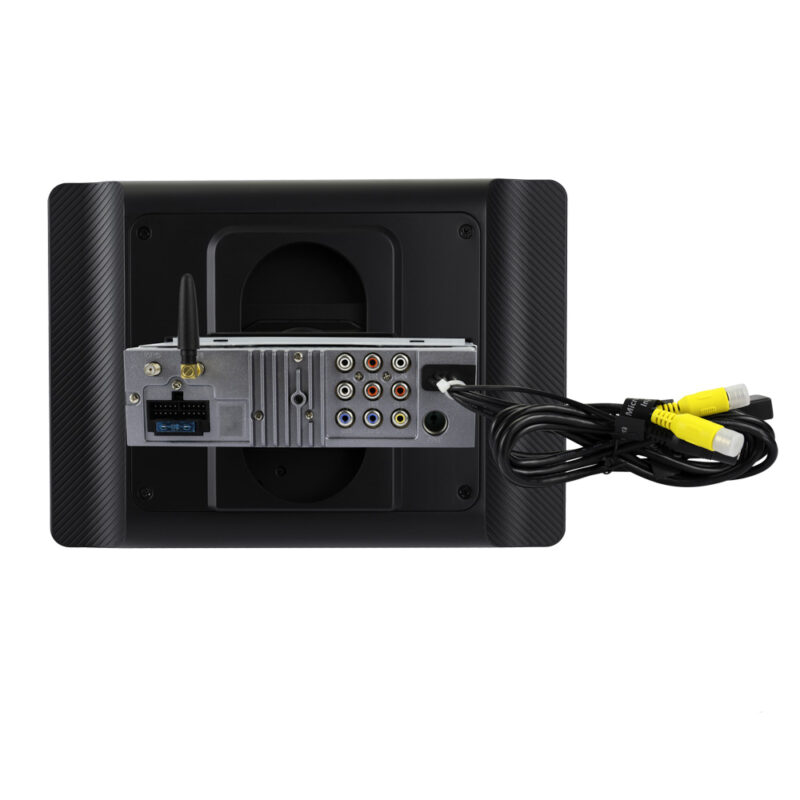
Want more volume now or down the road? Use the three pair of preamp outputs to add amplifiers for more volume in your system.
240 Watts Peak Power
60 Watts of peak power built-in for each of your 4 speakers.
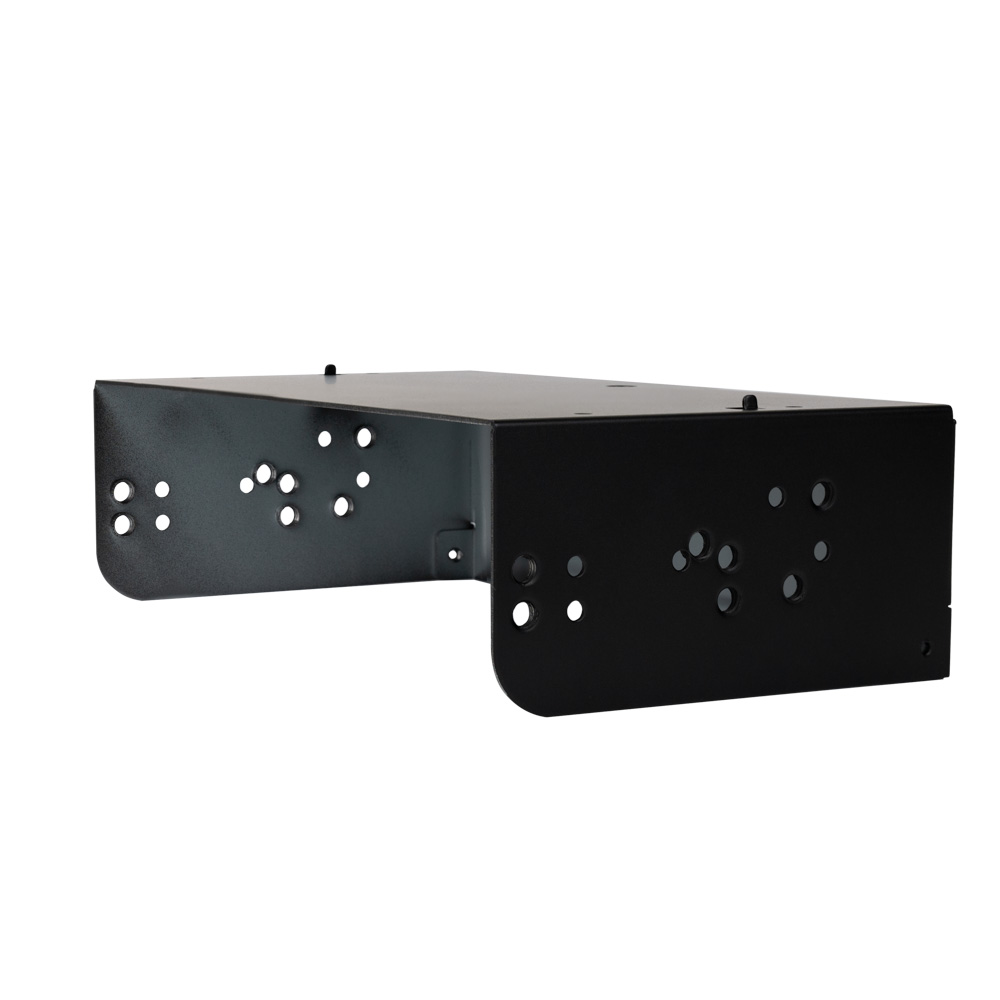
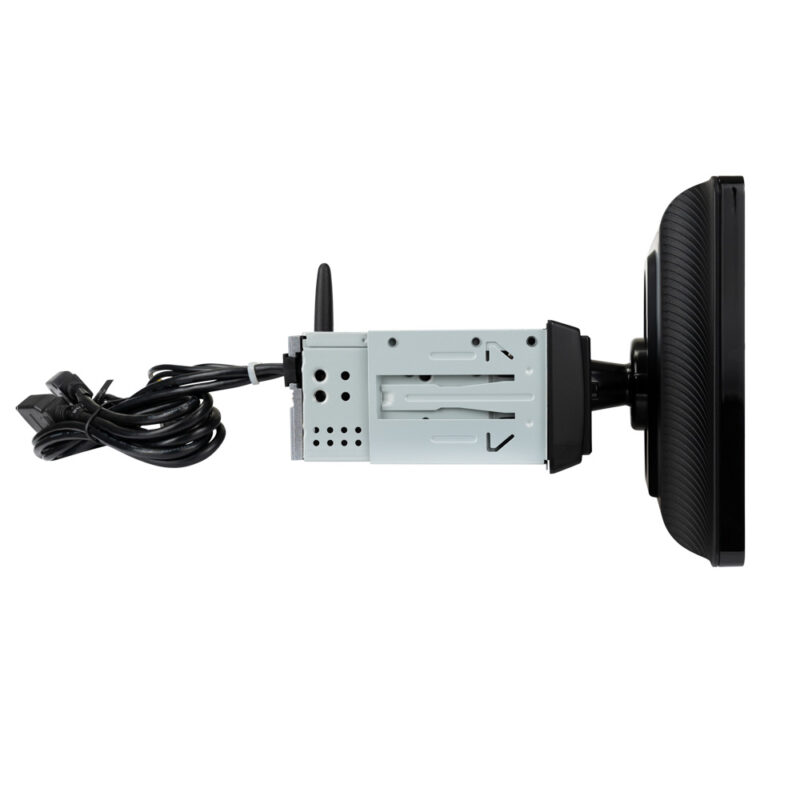
Fits 1 and 2 DIN Openings
The receiver is designed to fit in most 4” x 7” single din and double DIN openings.
Not a CD/DVD Player

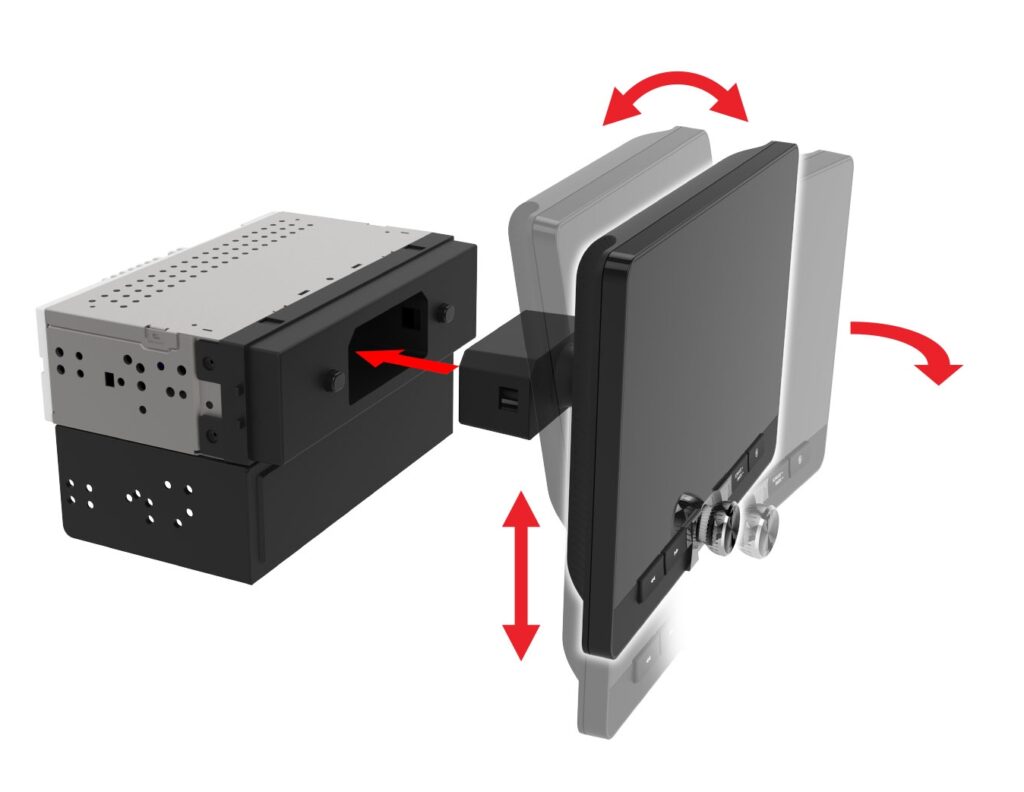
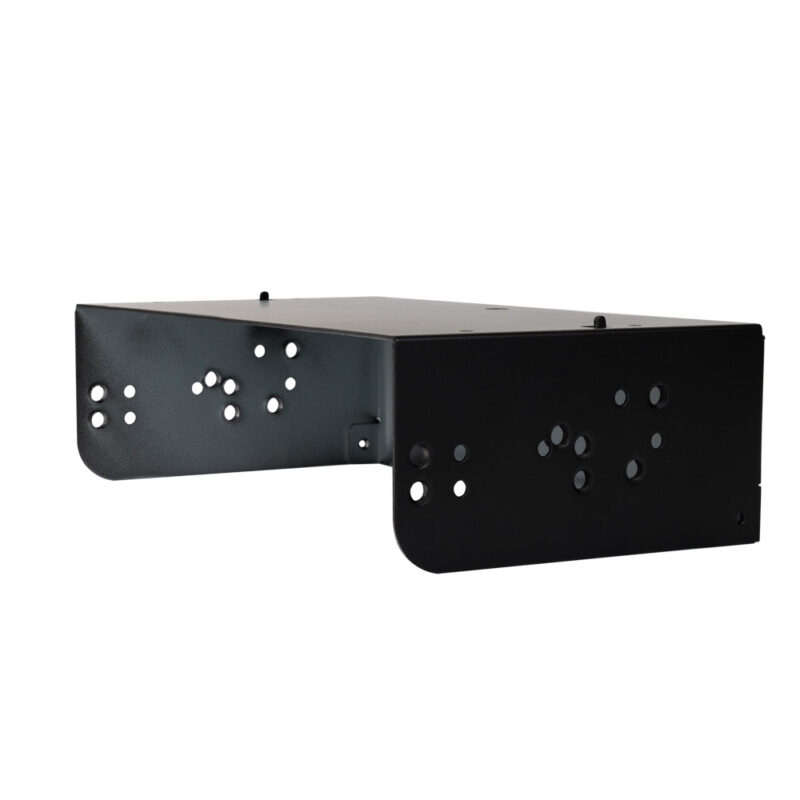
Dash Mount Adapter Allows for 1 DIN and 2 DIN Installation
Download and Print Size Guide PDF to See if it Fits Your Car
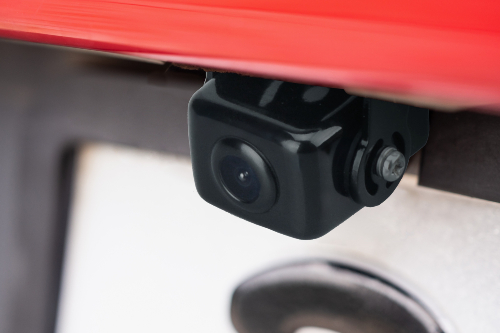
Front and Rear Camera Inputs
Add a front and rear camera to get an expanded view around your vehicle and eliminate blind spots!

FRONT/BACK
| Stereo Type | AV Receiver |
|---|---|
| Playback | |
| Phone Connectivity | |
| Inputs | |
| File Playback | |
| Amplifier Outputs | 3 Pair (Front + Rear + Sub) |
| Steering Wheel Control Compatible | |
| Tech Type | |
| Screen Size | |
| Peak Power Output | |
| Bluetooth Features | ID3 Tags, Phonebook Support, Audio Streaming, External Microphone, Hands-free Calling |
| USB Charge | |
| Preamp Outputs | |
| Front Panel | |
| Illumination | |
| Audio Processing | 10 Band EQ, 7 EQ Presets |
| AM/FM Receiver | 30 Station presets (18FM/12AM), RDS Tuner |
Firmware Update Instructions
A Note about Firmware Update via USB Devices
We recommend following the guidelines below for your USB drive:
- Use an 8GB or 16GB USB drive from a common USB drive manufacturer.
- Some recommended brands include:
- SanDisk®
- Kingston®
- PNY®
- Verbatim®
- Corsair®
- The drive should support USB 2.0 or faster transfer speeds. Older USB 1.0 drives are not compatible.
- Format the drive using FAT32 as the file system on your laptop or computer before copying the software update to the USB drive.
This update addresses the following:
- Improved connection with iPhone 16.
- Adds Scanning warning when using AF and TA RDS options
Note: Software is not interchangeable between models. This firmware update is intended only for the DCPA80FL. Please do not attempt this update on any other model.
How to Update:
- Download the firmware file from the link below.
- Unzip the downloaded file. Note: If you are unable to unzip the file, the program WINRAR may be required and can be downloaded from this link: WINRAR Download
- Copy the
ISPBOOOT.BINfile and the Update folder to an empty USB Thumb Drive formatted to FAT32. - Insert the USB Thumb Drive containing the update firmware into the DCPA80FL Android Auto/Apple CarPlay USB port only.
- Navigate to Settings and scroll until you reach the About button on the left side of the menu.
- Press the About button. On the right-hand side, you will see Software Update.
- Press Software Update, and then press the Update button to begin the firmware upgrade.
- This is a two-part update. After the first update is complete, the radio's screen will turn black for approximately 10 seconds. The second part of the update will then begin automatically. Once the update is finished, the radio will restart.
- Remove the USB Thumb Drive. The update is now complete.
Download Firmware Zipped File: DCPA80FL Firmware Download
To check that the update was done correctly, go to Settings and press Others and then press System Version. If you see the following information, the update was done correctly for model DCPA80FL.
-MCU: GD72-260205
-SOC: DCPA80FL-260515
-Hardware Version: 2.0.0
-Software Version: 2.0.3
-SDK Version: MJ2.2 54.0.20.0.2.6.1.0

